
Disclaimer

All information on IslamicFinder.org is verified by professionals beforehand. If you find any inappropriate material (or links leading to inappropriate materials), kindly  contact us.

LOCATION

Please enter current location name
Please enter correct latitude longitude values
Please select time zone
Please select daylight savings start date
Please select daylight savings end date
PRAYER CALCULATION

Ziret Ariet Zenour|MR|44671029

Reino de Pintampil|GW|43373342

for faster experience and daily updates.

×

for faster experience and daily updates.

×
LIVE EVENT

Make sure you are reciting correctly!

Learn the basics of correct recitation and Tajweed rules to recite correctly and fluently in this free class.

Nov 28 · 11 AM EST

Reserve your seat

Read Surah Anbiyawith translation

Sorry, couldn't find any ayaat matching your search query/word.

قَالُواْ حَرِّقُوهُ وَٱنصُرُوٓاْ ءَالِهَتَكُمۡ إِن كُنتُمۡ فَٰعِلِينَ

Qaloo harriqoohu waonsuroo alihatakum in kuntum faAAileena

انہوں نے کہا "جلا ڈالو اس کو اور حمایت کرو اپنے خداؤں کی اگر تمہیں کچھ کرنا ہے"

قُلۡنَا يَٰنَارُ كُونِي بَرۡدٗا وَسَلَٰمًا عَلَىٰٓ إِبۡرَٰهِيمَ

Qulna ya naru koonee bardan wasalaman AAala ibraheema

ہم نے کہا "اے آگ، ٹھنڈی ہو جا اور سلامتی بن جا ابراہیمؑ پر"

وَأَرَادُواْ بِهِۦ كَيۡدٗا فَجَعَلۡنَٰهُمُ ٱلۡأَخۡسَرِينَ

Waaradoo bihi kaydan fajaAAalnahumu alakhsareena

وہ چاہتے تھے کہ ابراہیمؑ کے ساتھ بُرائی کریں مگر ہم نے ان کو بُری طرح ناکام کر دیا

وَنَجَّيۡنَٰهُ وَلُوطًا إِلَى ٱلۡأَرۡضِ ٱلَّتِي بَٰرَكۡنَا فِيهَا لِلۡعَٰلَمِينَ

Wanajjaynahu walootan ila alardi allatee barakna feeha lilAAalameena

اور ہم نے اُسے اور لوطؑ کو بچا کر اُس سرزمین کی طرف لے گئے جس میں ہم نے دنیا والوں کے لیے برکتیں رکھی ہیں

وَوَهَبۡنَا لَهُۥٓ إِسۡحَٰقَ وَيَعۡقُوبَ نَافِلَةٗۖ وَكُلّٗا جَعَلۡنَا صَٰلِحِينَ

Wawahabna lahu ishaqa wayaAAqooba nafilatan wakullan jaAAalna saliheena

اور ہم نے اسے اسحاقؑ عطا کیا اور یعقوبؑ اس پر مزید، اور ہر ایک کو صالح بنایا

وَجَعَلۡنَٰهُمۡ أَئِمَّةٗ يَهۡدُونَ بِأَمۡرِنَا وَأَوۡحَيۡنَآ إِلَيۡهِمۡ فِعۡلَ ٱلۡخَيۡرَٰتِ وَإِقَامَ ٱلصَّلَوٰةِ وَإِيتَآءَ ٱلزَّكَوٰةِۖ وَكَانُواْ لَنَا عَٰبِدِينَ

WajaAAalnahum aimmatan yahdoona biamrina waawhayna ilayhim fiAAla alkhayrati waiqama alssalati waeetaa alzzakati wakanoo lana AAabideena

اور ہم نے اُن کو امام بنا دیا جو ہمارے حکم سے رہنمائی کرتے تھے اور ہم نے انہیں وحی کے ذریعہ نیک کاموں کی اور نماز قائم کرنے اور زکوٰۃ دینے کی ہدایت کی، اور وہ ہمارے عبادت گزار تھے

وَلُوطًا ءَاتَيۡنَٰهُ حُكۡمٗا وَعِلۡمٗا وَنَجَّيۡنَٰهُ مِنَ ٱلۡقَرۡيَةِ ٱلَّتِي كَانَت تَّعۡمَلُ ٱلۡخَبَٰٓئِثَۚ إِنَّهُمۡ كَانُواْ قَوۡمَ سَوۡءٖ فَٰسِقِينَ

Walootan ataynahu hukman waAAilman wanajjaynahu mina alqaryati allatee kanat taAAmalu alkhabaitha innahum kanoo qawma sawin fasiqeena

اور لوطؑ کو ہم نے حکم اور علم بخشا اور اُسے اُس بستی سے بچا کر نکال دیا جو بدکاریاں کرتی تھی درحقیقت وہ بڑی ہی بُری، فاسق قوم تھی

وَأَدۡخَلۡنَٰهُ فِي رَحۡمَتِنَآۖ إِنَّهُۥ مِنَ ٱلصَّٰلِحِينَ

Waadkhalnahu fee rahmatina innahu mina alssaliheena

اور لوطؑ کو ہم نے اپنی رحمت میں داخل کیا، وہ صالح لوگوں میں سے تھا

وَنُوحًا إِذۡ نَادَىٰ مِن قَبۡلُ فَٱسۡتَجَبۡنَا لَهُۥ فَنَجَّيۡنَٰهُ وَأَهۡلَهُۥ مِنَ ٱلۡكَرۡبِ ٱلۡعَظِيمِ

Wanoohan ith nada min qablu faistajabna lahu fanajjaynahu waahlahu mina alkarbi alAAatheemi

اور یہی نعمت ہم نے نوحؑ کو دی یاد کرو جبکہ اِن سب سے پہلے اُس نے ہمیں پکارا تھا ہم نے اس کی دعا قبول کی اور اسے اور اس کے گھر والوں کو کرب عظیم سے نجات دی

وَنَصَرۡنَٰهُ مِنَ ٱلۡقَوۡمِ ٱلَّذِينَ كَذَّبُواْ بِـَٔايَٰتِنَآۚ إِنَّهُمۡ كَانُواْ قَوۡمَ سَوۡءٖ فَأَغۡرَقۡنَٰهُمۡ أَجۡمَعِينَ

Wanasarnahu mina alqawmi allatheena kaththaboo biayatina innahum kanoo qawma sawin faaghraqnahum ajmaAAeena

اور اُس قوم کے مقابلے میں اُس کی مدد کی جس نے ہماری آیات کو جھٹلا دیا تھا وہ بڑے بُرے لوگ تھے، پس ہم نے ان سب کو غرق کر دیا
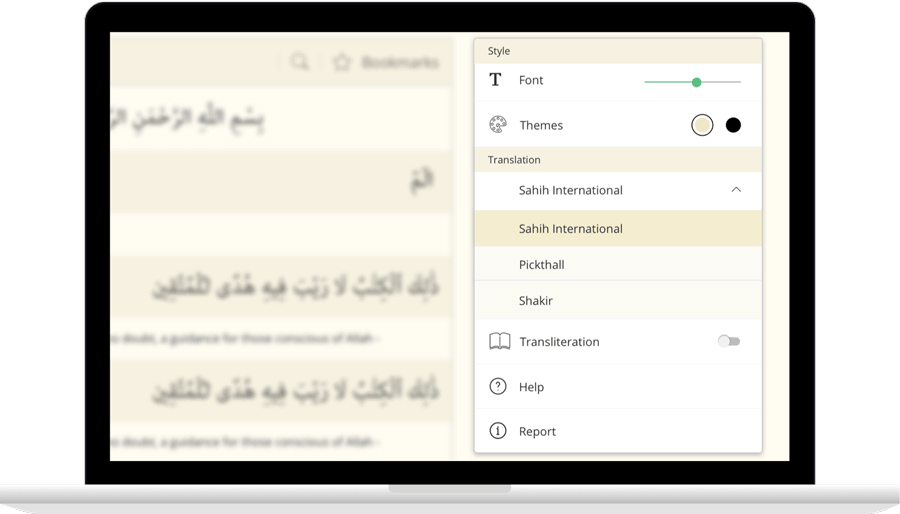
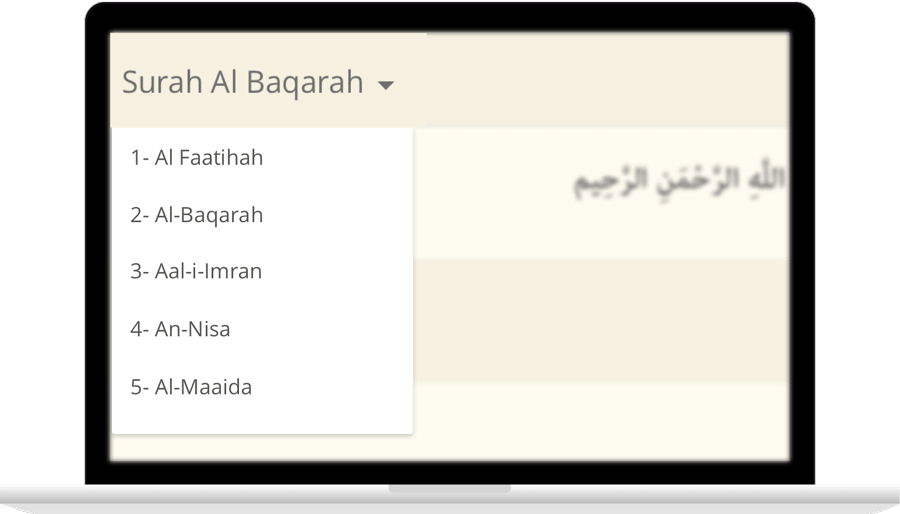
IslamicFinder brings Al Quran to you making the Holy Quran recitation a whole lot easier. With our Al Quran explorer feature, just with a tap, you can select the Surah you want to recite or listen to Quran mp3 audio! Offering your Holy Quran Translation and Quran Transliteration in English and several other languages, Quran recitation has never been easier. Happy reading!

Contact Us

Thanks for reaching out. We'll get back to you soon.

Our new privacy policy

We use cookies to enhance your browsing experience, serve personalized content and analyze our traffic. By clicking accept you consent to use our cookies

More Info

Improve your location’s accuracy

Sometimes we might have trouble finding where you are located. Having your current location will help us to get you more accurate prayer times and nearby Islamic places. Here are some things you can do to help fix the problem.

  1. In the top right, click More
  2. Click Settings and then Show advanced settings.
  3. In the "Privacy" section, click Content settings.
    1. In the dialog that appears, scroll down to the "Location" section. Select one of these permissions:
    2. Allow all sites to track your physical location: Select this option to let all sites automatically see your location.
    3. Ask when a site tries to track your physical location: Select this option if you want Google Chrome to alert you whenever a site wants to see your location.
    4. Do not allow any site to track your physical location: Select this option if don't want any sites to see your location.
  4. Click Done.
  1. Open System Preferences and then Security & Privacy Preferences and then Privacy and then Location Services.
  2. To allow for changes, click the lock in the bottom left.
  3. Check "Enable Location Services."
  1. Turn on location
    1. On your phone or tablet, open the Settings app.
    2. Tap Location.
    3. At the top, switch location on.
    4. Tap Mode and then High accuracy.
    If you still get an error when you open IslamicFinder, follow the step 2.
  2. Open Chrome
    1. In the top right, tap More
    2. Tap Settings.
    3. Under "Advanced", tap Site Settings
    4. Tap Location. If you see a toggle, make sure it turned on and blue.
      1. If you see "Location access is turned off for this device," tap the blue words > on the next Settings screen, tap the toggle to turn on location access.
      2. If you see "blocked" under "Location," tap Blocked > tap IslamicFinder > Clear & reset.
    5. Open IslamicFinder in your mobile browser and refresh the web page
    If you're using a browser other than Chrome, visit your browser's help center by visiting their website.
  1. Turn on location
    1. Open Settings app.
    2. Tap Privacy > Location Services > Safari Websites.
    3. Under "Allow Location Access," tap While Using the app.
  2. Give current location access on your browser
      Safari
    1. Open settings app.
    2. Tap General > Reset.
    3. Tap Reset Location & Privacy.
    4. If prompted, enter your passcode.
    5. You will see a message that says "This will reset your location and privacy settings to factory defaults." Tap Reset Settings.
    6. Open Safari
    7. Go to IslamicFinder
    8. To give Safari access to your location, tap Allow or OK
    9. To give IslamicFinder access to your location, tap OK
  3. If you are using a browser other than Safari, visit your browser's help center by visiting their website.