
Disclaimer

All information on IslamicFinder.org is verified by professionals beforehand. If you find any inappropriate material (or links leading to inappropriate materials), kindly  contact us.

LOCATION

Please enter current location name
Please enter correct latitude longitude values
Please select time zone
Please select daylight savings start date
Please select daylight savings end date
PRAYER CALCULATION

Djebel Bou Maad|DZ|40174194

Aukhlaing|MM|40958069

for faster experience and daily updates.

×

for faster experience and daily updates.

×

Get 1:1 teacher feedback to recite fluently

Read Surah Mudathirwith translation

Sorry, couldn't find any ayaat matching your search query/word.

كَلَّآۖ إِنَّهُۥ كَانَ لِأٓيَٰتِنَا عَنِيدٗا

Kalla innahu kana liayatina AAaneedan

Но нет [это уже не будет добавлено ему]! (Так как) поистине, он (по отношению) к Нашим знамениям [аятам Корана и другим доказательствам от Аллаха] упрям [неблагодарен]

سَأُرۡهِقُهُۥ صَعُودًا

Saorhiquhu saAAoodan

Я возложу на него [на такого упорного неверующего] «подъем» [сильнейшее адское наказание]

إِنَّهُۥ فَكَّرَ وَقَدَّرَ

Innahu fakkara waqaddara

Ведь он думал и рассчитал (как противодействовать Корану и Пророку).

فَقُتِلَ كَيۡفَ قَدَّرَ

Faqutila kayfa qaddara

И да будет он убит [проклят] (за это)! Как он рассчитал (этот ход)!

ثُمَّ قُتِلَ كَيۡفَ قَدَّرَ

Thumma qutila kayfa qaddara

И еще раз да будет он убит [проклят] (за это)! Как он рассчитал (этот ход)!

ثُمَّ نَظَرَ

Thumma nathara

Потом он посмотрел [подумал] (что можно еще предпринять против Корана)!

ثُمَّ عَبَسَ وَبَسَرَ

Thumma AAabasa wabasara

Потом нахмурился и стал мрачным (когда не смог придумать более ничего),

ثُمَّ أَدۡبَرَ وَٱسۡتَكۡبَرَ

Thumma adbara waistakbara

потом он отвернулся (от Истины) и проявил высокомерие (не признав ее)

فَقَالَ إِنۡ هَٰذَآ إِلَّا سِحۡرٞ يُؤۡثَرُ

Faqala in hatha illa sihrun yutharu

и сказал (о Коране): «(То, что говорит Мухаммад) (есть) ничто иное, как колдовство, что пересказывается (от предков)!

إِنۡ هَٰذَآ إِلَّا قَوۡلُ ٱلۡبَشَرِ

In hatha illa qawlu albashari

(И Коран) есть ничто иное это, как речь человека (которую Мухаммад учит, и затем приписывает Аллаху)!»
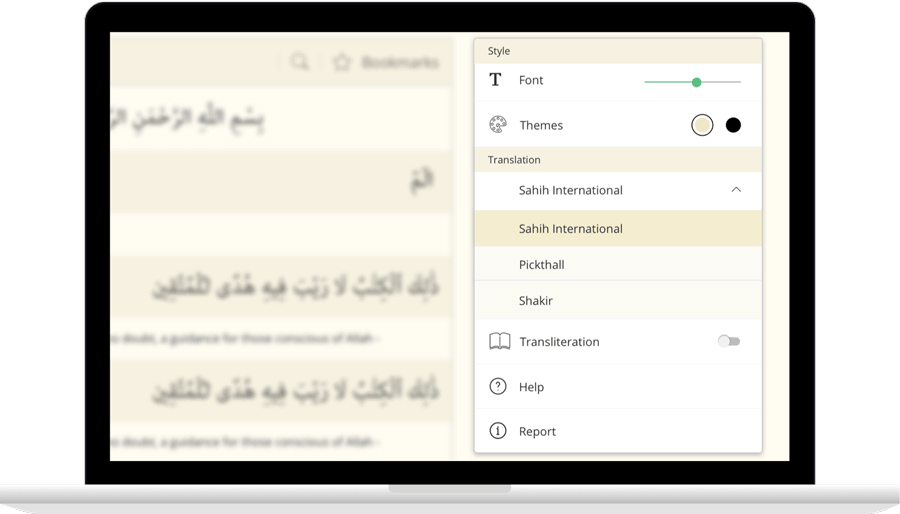
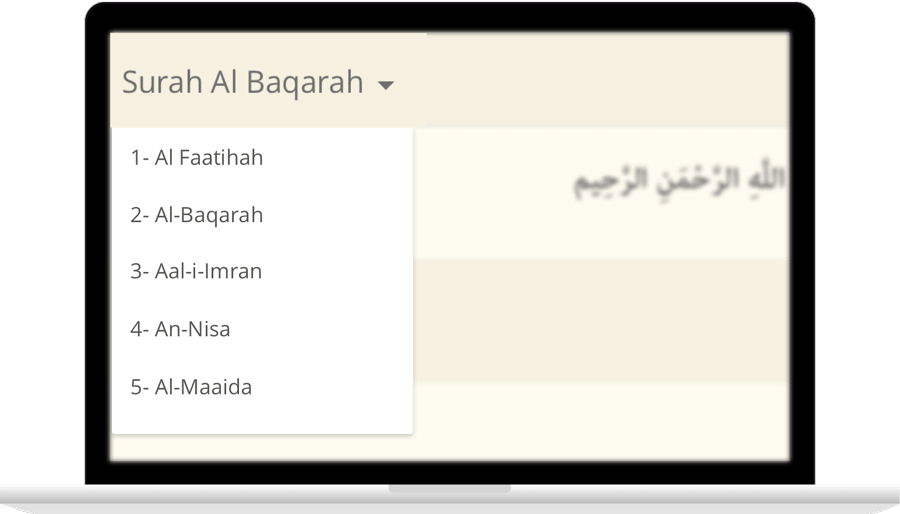
IslamicFinder brings Al Quran to you making the Holy Quran recitation a whole lot easier. With our Al Quran explorer feature, just with a tap, you can select the Surah you want to recite or listen to Quran mp3 audio! Offering your Holy Quran Translation and Quran Transliteration in English and several other languages, Quran recitation has never been easier. Happy reading!

Contact Us

Thanks for reaching out. We'll get back to you soon.

Our new privacy policy

We use cookies to enhance your browsing experience, serve personalized content and analyze our traffic. By clicking accept you consent to use our cookies

More Info

Improve your location’s accuracy

Sometimes we might have trouble finding where you are located. Having your current location will help us to get you more accurate prayer times and nearby Islamic places. Here are some things you can do to help fix the problem.

  1. In the top right, click More
  2. Click Settings and then Show advanced settings.
  3. In the "Privacy" section, click Content settings.
    1. In the dialog that appears, scroll down to the "Location" section. Select one of these permissions:
    2. Allow all sites to track your physical location: Select this option to let all sites automatically see your location.
    3. Ask when a site tries to track your physical location: Select this option if you want Google Chrome to alert you whenever a site wants to see your location.
    4. Do not allow any site to track your physical location: Select this option if don't want any sites to see your location.
  4. Click Done.
  1. Open System Preferences and then Security & Privacy Preferences and then Privacy and then Location Services.
  2. To allow for changes, click the lock in the bottom left.
  3. Check "Enable Location Services."
  1. Turn on location
    1. On your phone or tablet, open the Settings app.
    2. Tap Location.
    3. At the top, switch location on.
    4. Tap Mode and then High accuracy.
    If you still get an error when you open IslamicFinder, follow the step 2.
  2. Open Chrome
    1. In the top right, tap More
    2. Tap Settings.
    3. Under "Advanced", tap Site Settings
    4. Tap Location. If you see a toggle, make sure it turned on and blue.
      1. If you see "Location access is turned off for this device," tap the blue words > on the next Settings screen, tap the toggle to turn on location access.
      2. If you see "blocked" under "Location," tap Blocked > tap IslamicFinder > Clear & reset.
    5. Open IslamicFinder in your mobile browser and refresh the web page
    If you're using a browser other than Chrome, visit your browser's help center by visiting their website.
  1. Turn on location
    1. Open Settings app.
    2. Tap Privacy > Location Services > Safari Websites.
    3. Under "Allow Location Access," tap While Using the app.
  2. Give current location access on your browser
      Safari
    1. Open settings app.
    2. Tap General > Reset.
    3. Tap Reset Location & Privacy.
    4. If prompted, enter your passcode.
    5. You will see a message that says "This will reset your location and privacy settings to factory defaults." Tap Reset Settings.
    6. Open Safari
    7. Go to IslamicFinder
    8. To give Safari access to your location, tap Allow or OK
    9. To give IslamicFinder access to your location, tap OK
  3. If you are using a browser other than Safari, visit your browser's help center by visiting their website.