
Disclaimer

All information on IslamicFinder.org is verified by professionals beforehand. If you find any inappropriate material (or links leading to inappropriate materials), kindly  contact us.

LOCATION

Please enter current location name
Please enter correct latitude longitude values
Please select time zone
Please select daylight savings start date
Please select daylight savings end date
PRAYER CALCULATION

Menevsha|RU|46334919

Columbus|US|4509177

for faster experience and daily updates.

×

for faster experience and daily updates.

×

Get 1:1 teacher feedback to recite fluently

Read Surah Muminunwith translation

Sorry, couldn't find any ayaat matching your search query/word.

فَأَخَذَتۡهُمُ ٱلصَّيۡحَةُ بِٱلۡحَقِّ فَجَعَلۡنَٰهُمۡ غُثَآءٗۚ فَبُعۡدٗا لِّلۡقَوۡمِ ٱلظَّٰلِمِينَ

Faakhathathumu alssayhatu bialhaqqi fajaAAalnahum ghuthaan fabuAAdan lilqawmi alththalimeena

بالﺂخر عدل کے تقاضے کے مطابق چیﺦ نے پکڑ لیا اور ہم نے انہیں کوڑا کرکٹ کر ڈاﻻ، پس ﻇالموں کے لئے دوری ہو

ثُمَّ أَنشَأۡنَا مِنۢ بَعۡدِهِمۡ قُرُونًا ءَاخَرِينَ

Thumma anshana min baAAdihim quroonan akhareena

ان کے بعد ہم نے اور بھی بہت سی امتیں پیدا کیں

مَا تَسۡبِقُ مِنۡ أُمَّةٍ أَجَلَهَا وَمَا يَسۡتَـٔۡخِرُونَ

Ma tasbiqu min ommatin ajalaha wama yastakhiroona

نہ تو کوئی امت اپنے وقت مقرره سے آگے بڑھی اور نہ پیچھے رہی

ثُمَّ أَرۡسَلۡنَا رُسُلَنَا تَتۡرَاۖ كُلَّ مَا جَآءَ أُمَّةٗ رَّسُولُهَا كَذَّبُوهُۖ فَأَتۡبَعۡنَا بَعۡضَهُم بَعۡضٗا وَجَعَلۡنَٰهُمۡ أَحَادِيثَۚ فَبُعۡدٗا لِّقَوۡمٖ لَّا يُؤۡمِنُونَ

Thumma arsalna rusulana tatra kulla ma jaa ommatan rasooluha kaththaboohu faatbaAAna baAAdahum baAAdan wajaAAalnahum ahadeetha fabuAAdan liqawmin la yuminoona

پھر ہم نے لگاتار رسول بھیجے، جب جب اس امت کے پاس اس کا رسول آیا اس نے جھٹلایا، پس ہم نے ایک دوسرے کے پیچھے لگا دیا اور انہیں افسانہ بنا دیا۔ ان لوگوں کو دوری ہے جو ایمان قبول نہیں کرتے

ثُمَّ أَرۡسَلۡنَا مُوسَىٰ وَأَخَاهُ هَٰرُونَ بِـَٔايَٰتِنَا وَسُلۡطَٰنٖ مُّبِينٍ

Thumma arsalna moosa waakhahu haroona biayatina wasultanin mubeenin

پھر ہم نے موسیٰ (علیہ السلام) کو اور ان کے بھائی ہارون (علیہ السلام) کو اپنی آیتوں اور کھلی دلیل کے ساتھ بھیجا

إِلَىٰ فِرۡعَوۡنَ وَمَلَإِيْهِۦ فَٱسۡتَكۡبَرُواْ وَكَانُواْ قَوۡمًا عَالِينَ

Ila firAAawna wamalaihi faistakbaroo wakanoo qawman AAaleena

فرعون اور اس کے لشکروں کی طرف، پس انہوں نے تکبر کیا اور تھے ہی وه سرکش لوگ

فَقَالُوٓاْ أَنُؤۡمِنُ لِبَشَرَيۡنِ مِثۡلِنَا وَقَوۡمُهُمَا لَنَا عَٰبِدُونَ

Faqaloo anuminu libasharayni mithlina waqawmuhuma lana AAabidoona

کہنے لگے کہ کیا ہم اپنے جیسے دو شخصوں پر ایمان ﻻئیں؟ حاﻻنکہ خود ان کی قوم (بھی) ہمارے ماتحت ہے

فَكَذَّبُوهُمَا فَكَانُواْ مِنَ ٱلۡمُهۡلَكِينَ

Fakaththaboohuma fakanoo mina almuhlakeena

پس انہوں نے ان دونوں کو جھٹلایا آخر وه بھی ہلاک شده لوگوں میں مل گئے

وَلَقَدۡ ءَاتَيۡنَا مُوسَى ٱلۡكِتَٰبَ لَعَلَّهُمۡ يَهۡتَدُونَ

Walaqad atayna moosa alkitaba laAAallahum yahtadoona

ہم نے تو موسیٰ (علیہ السلام) کو کتاب (بھی) دی کہ لوگ راه راست پر آجائیں

وَجَعَلۡنَا ٱبۡنَ مَرۡيَمَ وَأُمَّهُۥٓ ءَايَةٗ وَءَاوَيۡنَٰهُمَآ إِلَىٰ رَبۡوَةٖ ذَاتِ قَرَارٖ وَمَعِينٖ

WajaAAalna ibna maryama waommahu ayatan waawaynahuma ila rabwatin thati qararin wamaAAeenin

ہم نے ابن مریم اور اس کی والده کو ایک نشانی بنایا اور ان دونوں کو بلند صاف قرار والی اور جاری پانی والی جگہ میں پناه دی
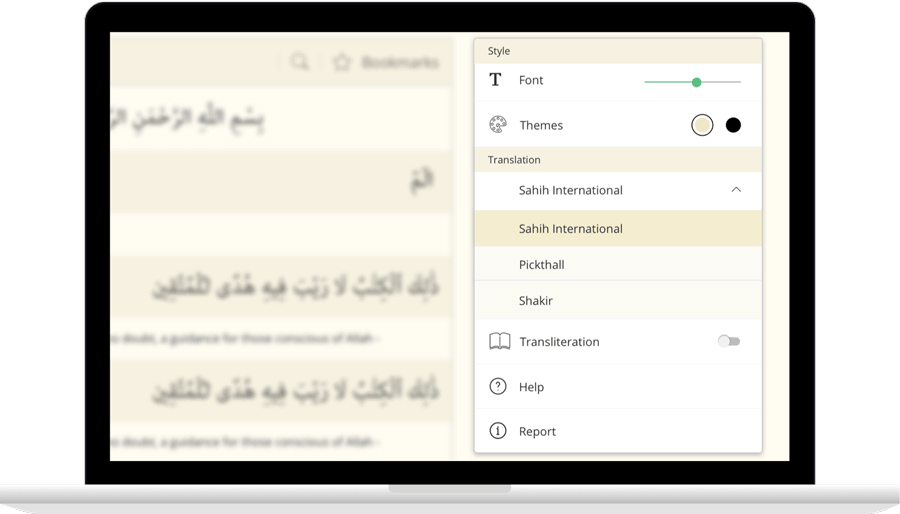
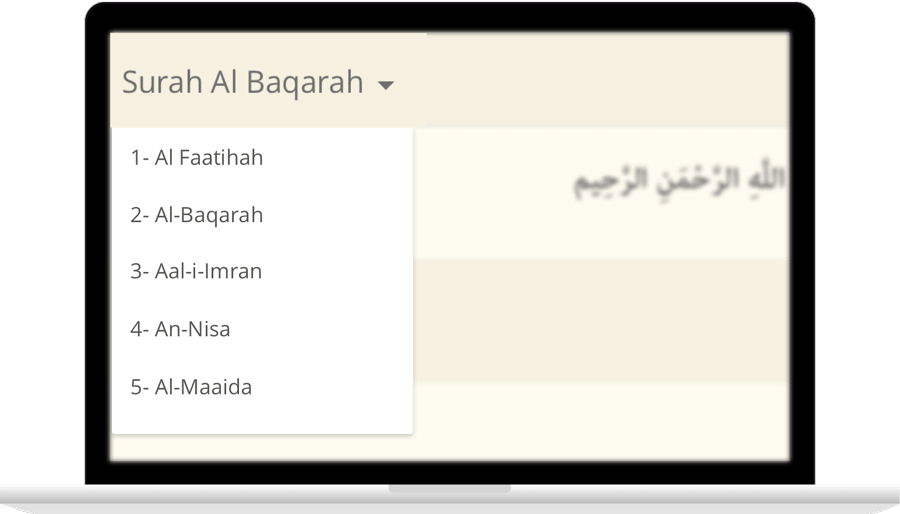
IslamicFinder brings Al Quran to you making the Holy Quran recitation a whole lot easier. With our Al Quran explorer feature, just with a tap, you can select the Surah you want to recite or listen to Quran mp3 audio! Offering your Holy Quran Translation and Quran Transliteration in English and several other languages, Quran recitation has never been easier. Happy reading!

Contact Us

Thanks for reaching out. We'll get back to you soon.

Our new privacy policy

We use cookies to enhance your browsing experience, serve personalized content and analyze our traffic. By clicking accept you consent to use our cookies

More Info

Improve your location’s accuracy

Sometimes we might have trouble finding where you are located. Having your current location will help us to get you more accurate prayer times and nearby Islamic places. Here are some things you can do to help fix the problem.

  1. In the top right, click More
  2. Click Settings and then Show advanced settings.
  3. In the "Privacy" section, click Content settings.
    1. In the dialog that appears, scroll down to the "Location" section. Select one of these permissions:
    2. Allow all sites to track your physical location: Select this option to let all sites automatically see your location.
    3. Ask when a site tries to track your physical location: Select this option if you want Google Chrome to alert you whenever a site wants to see your location.
    4. Do not allow any site to track your physical location: Select this option if don't want any sites to see your location.
  4. Click Done.
  1. Open System Preferences and then Security & Privacy Preferences and then Privacy and then Location Services.
  2. To allow for changes, click the lock in the bottom left.
  3. Check "Enable Location Services."
  1. Turn on location
    1. On your phone or tablet, open the Settings app.
    2. Tap Location.
    3. At the top, switch location on.
    4. Tap Mode and then High accuracy.
    If you still get an error when you open IslamicFinder, follow the step 2.
  2. Open Chrome
    1. In the top right, tap More
    2. Tap Settings.
    3. Under "Advanced", tap Site Settings
    4. Tap Location. If you see a toggle, make sure it turned on and blue.
      1. If you see "Location access is turned off for this device," tap the blue words > on the next Settings screen, tap the toggle to turn on location access.
      2. If you see "blocked" under "Location," tap Blocked > tap IslamicFinder > Clear & reset.
    5. Open IslamicFinder in your mobile browser and refresh the web page
    If you're using a browser other than Chrome, visit your browser's help center by visiting their website.
  1. Turn on location
    1. Open Settings app.
    2. Tap Privacy > Location Services > Safari Websites.
    3. Under "Allow Location Access," tap While Using the app.
  2. Give current location access on your browser
      Safari
    1. Open settings app.
    2. Tap General > Reset.
    3. Tap Reset Location & Privacy.
    4. If prompted, enter your passcode.
    5. You will see a message that says "This will reset your location and privacy settings to factory defaults." Tap Reset Settings.
    6. Open Safari
    7. Go to IslamicFinder
    8. To give Safari access to your location, tap Allow or OK
    9. To give IslamicFinder access to your location, tap OK
  3. If you are using a browser other than Safari, visit your browser's help center by visiting their website.