

Disclaimer

All information on IslamicFinder.org is verified by professionals beforehand. If you find any inappropriate material (or links leading to inappropriate materials), kindly  contact us.

LOCATION

Please enter current location name
Please enter correct latitude longitude values
Please select time zone
Please select daylight savings start date
Please select daylight savings end date
PRAYER CALCULATION

Le Vaudreuil|FR|2998933

Abalam|NG|45172990

for faster experience and daily updates.

×

for faster experience and daily updates.

×
LIVE EVENT

Make sure you are reciting correctly!

Learn the basics of correct recitation and Tajweed rules to recite correctly and fluently in this free class.

Nov 28 · 11 AM EST

Reserve your seat

Read Surah Saffatwith translation

Sorry, couldn't find any ayaat matching your search query/word.

أَمۡ لَكُمۡ سُلۡطَٰنٞ مُّبِينٞ

Am lakum sultanun mubeenun

Atau adakah kamu mempunyai sebarang bukti yang nyata (menerangkan bahawa malaikat itu anak-anak perempuan Allah)?

فَأۡتُواْ بِكِتَٰبِكُمۡ إِن كُنتُمۡ صَٰدِقِينَ

Fatoo bikitabikum in kuntum sadiqeena

(Kiranya ada) maka bawalah kitab kamu (yang menerangkan demikian), jika betul kamu orang-orang yang benar.

وَجَعَلُواْ بَيۡنَهُۥ وَبَيۡنَ ٱلۡجِنَّةِ نَسَبٗاۚ وَلَقَدۡ عَلِمَتِ ٱلۡجِنَّةُ إِنَّهُمۡ لَمُحۡضَرُونَ

WajaAAaloo baynahu wabayna aljinnati nasaban walaqad AAalimati aljinnatu innahum lamuhdaroona

(Mereka telah mengatakan perkara yang mustahil) serta mengadakan pertalian kerabat di antara Allah dan malaikat, padahal demi sesungguhnya malaikat itu sedia mengetahui bahawa sebenarnya orang-orang yang melakukan demikian akan dibawa hadir (ke dalam azab pada hari akhirat).

سُبۡحَٰنَ ٱللَّهِ عَمَّا يَصِفُونَ

Subhana Allahi AAamma yasifoona

Maha Suci Allah dari apa yang mereka katakan itu!

إِلَّا عِبَادَ ٱللَّهِ ٱلۡمُخۡلَصِينَ

Illa AAibada Allahi almukhlaseena

Kecuali hamba-hamba Allah yang dibersihkan dari sebarang syirik, (maka mereka akan terselamat, dan akan mendapat sebaik-baik balasan).

فَإِنَّكُمۡ وَمَا تَعۡبُدُونَ

Fainnakum wama taAAbudoona

Maka sebenarnya kamu (wahai orang-orang musyrik), dan apa yang kamu sembah itu.

مَآ أَنتُمۡ عَلَيۡهِ بِفَٰتِنِينَ

Ma antum AAalayhi bifatineena

Tidak akan dapat merosakkan perhubungan seseorang dengan Tuhannya,

إِلَّا مَنۡ هُوَ صَالِ ٱلۡجَحِيمِ

Illa man huwa sali aljaheemi

kecuali orang-orang yang telah ditetapkan bahawa dia akan dibakar di dalam neraka yang menjulang-julang.

وَمَا مِنَّآ إِلَّا لَهُۥ مَقَامٞ مَّعۡلُومٞ

Wama minna illa lahu maqamun maAAloomun

(Malaikat pula menegaskan pendirian mereka dengan berkata): "Dan tiada sesiapapun dari kalangan kami melainkan ada baginya darjat kedudukan yang tertentu (dalam menyempurnakan tugasnya);

وَإِنَّا لَنَحۡنُ ٱلصَّآفُّونَ

Wainna lanahnu alssaffoona

"Dan sesungguhnya kamilah yang sentiasa berbaris (menjunjung perintah dan beribadat),
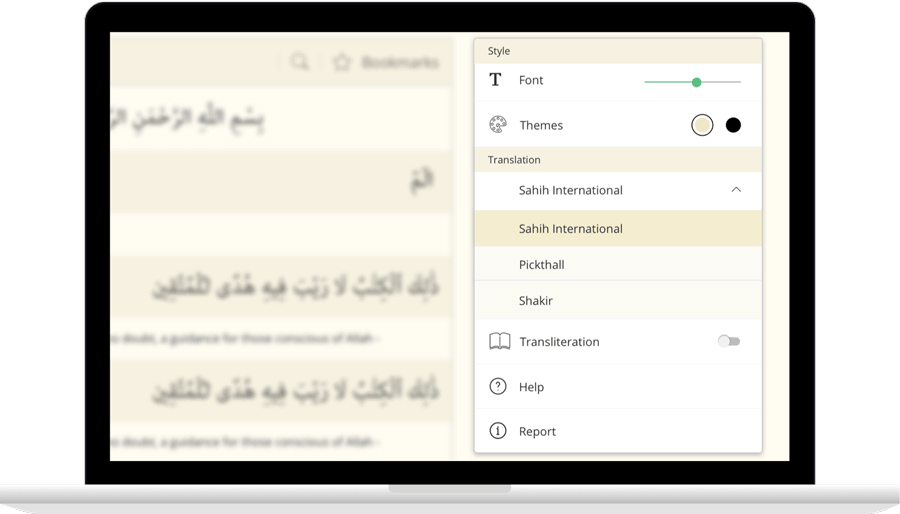
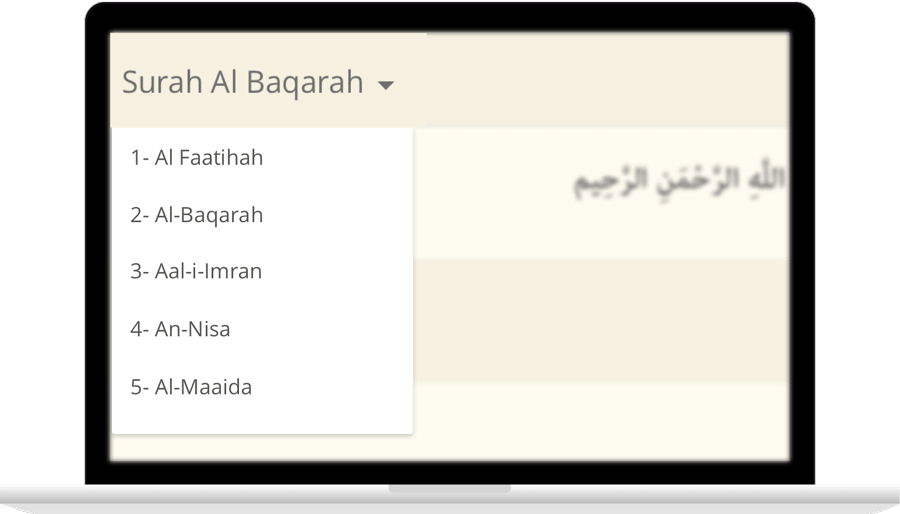
IslamicFinder brings Al Quran to you making the Holy Quran recitation a whole lot easier. With our Al Quran explorer feature, just with a tap, you can select the Surah you want to recite or listen to Quran mp3 audio! Offering your Holy Quran Translation and Quran Transliteration in English and several other languages, Quran recitation has never been easier. Happy reading!

Contact Us

Thanks for reaching out. We'll get back to you soon.

Our new privacy policy

We use cookies to enhance your browsing experience, serve personalized content and analyze our traffic. By clicking accept you consent to use our cookies

More Info

Improve your location’s accuracy

Sometimes we might have trouble finding where you are located. Having your current location will help us to get you more accurate prayer times and nearby Islamic places. Here are some things you can do to help fix the problem.

  1. In the top right, click More
  2. Click Settings and then Show advanced settings.
  3. In the "Privacy" section, click Content settings.
    1. In the dialog that appears, scroll down to the "Location" section. Select one of these permissions:
    2. Allow all sites to track your physical location: Select this option to let all sites automatically see your location.
    3. Ask when a site tries to track your physical location: Select this option if you want Google Chrome to alert you whenever a site wants to see your location.
    4. Do not allow any site to track your physical location: Select this option if don't want any sites to see your location.
  4. Click Done.
  1. Open System Preferences and then Security & Privacy Preferences and then Privacy and then Location Services.
  2. To allow for changes, click the lock in the bottom left.
  3. Check "Enable Location Services."
  1. Turn on location
    1. On your phone or tablet, open the Settings app.
    2. Tap Location.
    3. At the top, switch location on.
    4. Tap Mode and then High accuracy.
    If you still get an error when you open IslamicFinder, follow the step 2.
  2. Open Chrome
    1. In the top right, tap More
    2. Tap Settings.
    3. Under "Advanced", tap Site Settings
    4. Tap Location. If you see a toggle, make sure it turned on and blue.
      1. If you see "Location access is turned off for this device," tap the blue words > on the next Settings screen, tap the toggle to turn on location access.
      2. If you see "blocked" under "Location," tap Blocked > tap IslamicFinder > Clear & reset.
    5. Open IslamicFinder in your mobile browser and refresh the web page
    If you're using a browser other than Chrome, visit your browser's help center by visiting their website.
  1. Turn on location
    1. Open Settings app.
    2. Tap Privacy > Location Services > Safari Websites.
    3. Under "Allow Location Access," tap While Using the app.
  2. Give current location access on your browser
      Safari
    1. Open settings app.
    2. Tap General > Reset.
    3. Tap Reset Location & Privacy.
    4. If prompted, enter your passcode.
    5. You will see a message that says "This will reset your location and privacy settings to factory defaults." Tap Reset Settings.
    6. Open Safari
    7. Go to IslamicFinder
    8. To give Safari access to your location, tap Allow or OK
    9. To give IslamicFinder access to your location, tap OK
  3. If you are using a browser other than Safari, visit your browser's help center by visiting their website.