

Disclaimer

All information on IslamicFinder.org is verified by professionals beforehand. If you find any inappropriate material (or links leading to inappropriate materials), kindly  contact us.

LOCATION

Please enter current location name
Please enter correct latitude longitude values
Please select time zone
Please select daylight savings start date
Please select daylight savings end date
PRAYER CALCULATION

Rahui Island|NZ|45128710

Columbus|US|4509177

for faster experience and daily updates.

×

for faster experience and daily updates.

×
LIVE EVENT

Make sure you are reciting correctly!

Learn the basics of correct recitation and Tajweed rules to recite correctly and fluently in this free class.

Nov 28 · 11 AM EST

Reserve your seat

Read Surah Turwith translation

Sorry, couldn't find any ayaat matching your search query/word.

أَمۡ لَهُ ٱلۡبَنَٰتُ وَلَكُمُ ٱلۡبَنُونَ

Am lahu albanatu walakumu albanoona

Bůh že měl by míti dcery, zatímco vy máte syny?

أَمۡ تَسۡـَٔلُهُمۡ أَجۡرٗا فَهُم مِّن مَّغۡرَمٖ مُّثۡقَلُونَ

Am tasaluhum ajran fahum min maghramin muthqaloona

Či žádáš snad nějakou odměnu, a oni jsou dluhy zatíženi?

أَمۡ عِندَهُمُ ٱلۡغَيۡبُ فَهُمۡ يَكۡتُبُونَ

Am AAindahumu alghaybu fahum yaktuboona

Či znají nepoznatelné, takže zapisovat je mohou,

أَمۡ يُرِيدُونَ كَيۡدٗاۖ فَٱلَّذِينَ كَفَرُواْ هُمُ ٱلۡمَكِيدُونَ

Am yureedoona kaydan faallatheena kafaroo humu almakeedoona

anebo o úklady usilují? Však nevěřící sami obelstěni budou.

أَمۡ لَهُمۡ إِلَٰهٌ غَيۡرُ ٱللَّهِۚ سُبۡحَٰنَ ٱللَّهِ عَمَّا يُشۡرِكُونَ

Am lahum ilahun ghayru Allahi subhana Allahi AAamma yushrikoona

Či mají božstvo jiné, než Bůh je? Oč slavnější Bůh než to, co se k Němu přidružuje!

وَإِن يَرَوۡاْ كِسۡفٗا مِّنَ ٱلسَّمَآءِ سَاقِطٗا يَقُولُواْ سَحَابٞ مَّرۡكُومٞ

Wain yaraw kisfan mina alssamai saqitan yaqooloo sahabun markoomun

A i kdyby viděli kusy nebe padat, určitě by říkali: "To jsou jen mraky zhuštěné."

فَذَرۡهُمۡ حَتَّىٰ يُلَٰقُواْ يَوۡمَهُمُ ٱلَّذِي فِيهِ يُصۡعَقُونَ

Fatharhum hatta yulaqoo yawmahumu allathee feehi yusAAaqoona

Nech je tedy být až do doby, kdy setkají se svým dnem, v němž budou bleskem sraženi,

يَوۡمَ لَا يُغۡنِي عَنۡهُمۡ كَيۡدُهُمۡ شَيۡـٔٗا وَلَا هُمۡ يُنصَرُونَ

Yawma la yughnee AAanhum kayduhum shayan wala hum yunsaroona

se dnem, v němž nic nebude jim platna jejich lest a nedostane se jim pomoci.

وَإِنَّ لِلَّذِينَ ظَلَمُواْ عَذَابٗا دُونَ ذَٰلِكَ وَلَٰكِنَّ أَكۡثَرَهُمۡ لَا يَعۡلَمُونَ

Wainna lillatheena thalamoo AAathaban doona thalika walakinna aktharahum la yaAAlamoona

Těm, kdo křivdili, se věru trestu dostane a ještě něčeho víc, však většina z nich to neví.

وَٱصۡبِرۡ لِحُكۡمِ رَبِّكَ فَإِنَّكَ بِأَعۡيُنِنَاۖ وَسَبِّحۡ بِحَمۡدِ رَبِّكَ حِينَ تَقُومُ

Waisbir lihukmi rabbika fainnaka biaAAyunina wasabbih bihamdi rabbika heena taqoomu

Ty však neochvějně na rozsudek svého Pána čekej, vždyť věru jsi Nám na očích! A oslavuj chválu Pána svého, když vstáváš,
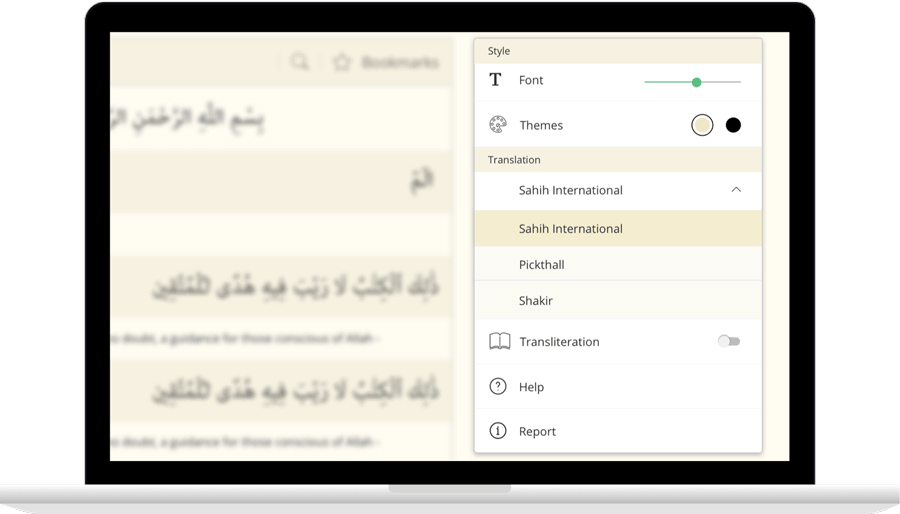
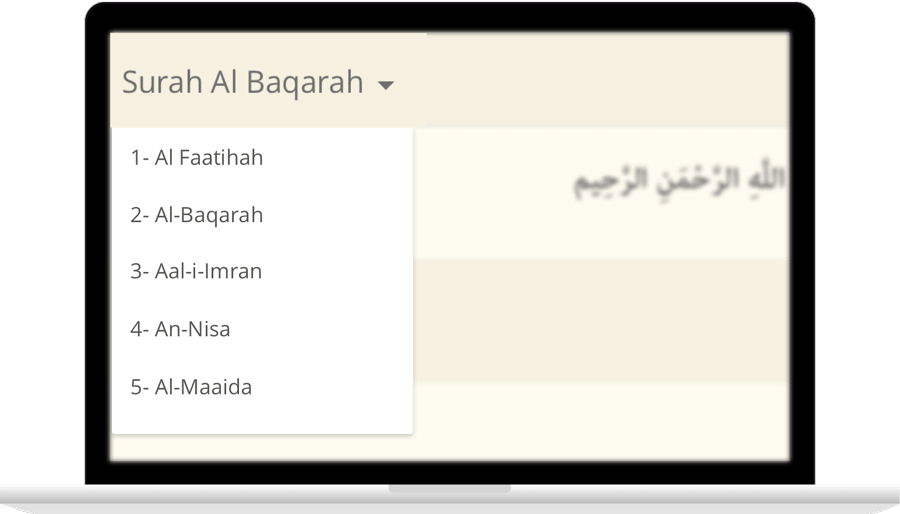
IslamicFinder brings Al Quran to you making the Holy Quran recitation a whole lot easier. With our Al Quran explorer feature, just with a tap, you can select the Surah you want to recite or listen to Quran mp3 audio! Offering your Holy Quran Translation and Quran Transliteration in English and several other languages, Quran recitation has never been easier. Happy reading!

Contact Us

Thanks for reaching out. We'll get back to you soon.

Our new privacy policy

We use cookies to enhance your browsing experience, serve personalized content and analyze our traffic. By clicking accept you consent to use our cookies

More Info

Improve your location’s accuracy

Sometimes we might have trouble finding where you are located. Having your current location will help us to get you more accurate prayer times and nearby Islamic places. Here are some things you can do to help fix the problem.

  1. In the top right, click More
  2. Click Settings and then Show advanced settings.
  3. In the "Privacy" section, click Content settings.
    1. In the dialog that appears, scroll down to the "Location" section. Select one of these permissions:
    2. Allow all sites to track your physical location: Select this option to let all sites automatically see your location.
    3. Ask when a site tries to track your physical location: Select this option if you want Google Chrome to alert you whenever a site wants to see your location.
    4. Do not allow any site to track your physical location: Select this option if don't want any sites to see your location.
  4. Click Done.
  1. Open System Preferences and then Security & Privacy Preferences and then Privacy and then Location Services.
  2. To allow for changes, click the lock in the bottom left.
  3. Check "Enable Location Services."
  1. Turn on location
    1. On your phone or tablet, open the Settings app.
    2. Tap Location.
    3. At the top, switch location on.
    4. Tap Mode and then High accuracy.
    If you still get an error when you open IslamicFinder, follow the step 2.
  2. Open Chrome
    1. In the top right, tap More
    2. Tap Settings.
    3. Under "Advanced", tap Site Settings
    4. Tap Location. If you see a toggle, make sure it turned on and blue.
      1. If you see "Location access is turned off for this device," tap the blue words > on the next Settings screen, tap the toggle to turn on location access.
      2. If you see "blocked" under "Location," tap Blocked > tap IslamicFinder > Clear & reset.
    5. Open IslamicFinder in your mobile browser and refresh the web page
    If you're using a browser other than Chrome, visit your browser's help center by visiting their website.
  1. Turn on location
    1. Open Settings app.
    2. Tap Privacy > Location Services > Safari Websites.
    3. Under "Allow Location Access," tap While Using the app.
  2. Give current location access on your browser
      Safari
    1. Open settings app.
    2. Tap General > Reset.
    3. Tap Reset Location & Privacy.
    4. If prompted, enter your passcode.
    5. You will see a message that says "This will reset your location and privacy settings to factory defaults." Tap Reset Settings.
    6. Open Safari
    7. Go to IslamicFinder
    8. To give Safari access to your location, tap Allow or OK
    9. To give IslamicFinder access to your location, tap OK
  3. If you are using a browser other than Safari, visit your browser's help center by visiting their website.