
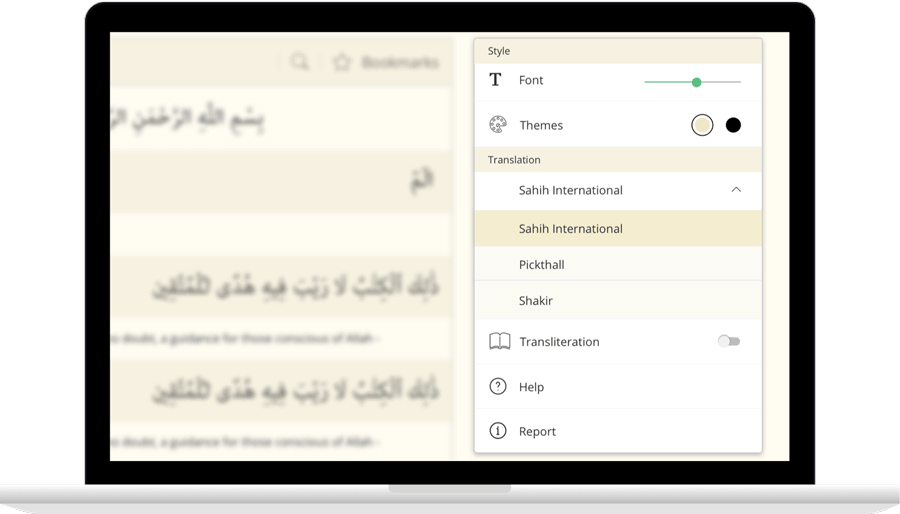
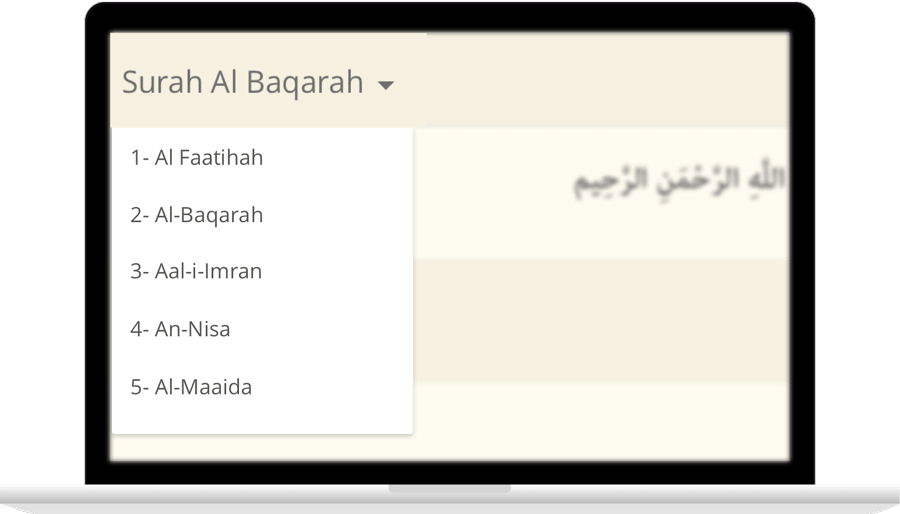
IslamicFinder brings Al Quran to you making the Holy Quran recitation a whole lot easier. With our Al Quran explorer feature, just with a tap, you can select the Surah you want to recite or listen to Quran mp3 audio! Offering your Holy Quran Translation and Quran Transliteration in English and several other languages, Quran recitation has never been easier. Happy reading!
Read Surah Hudwith translation
فَلَمَّا جَآءَ أَمۡرُنَا نَجَّيۡنَا صَٰلِحٗا وَٱلَّذِينَ ءَامَنُواْ مَعَهُۥ بِرَحۡمَةٖ مِّنَّا وَمِنۡ خِزۡيِ يَوۡمِئِذٍۚ إِنَّ رَبَّكَ هُوَ ٱلۡقَوِيُّ ٱلۡعَزِيزُ
Falamma jaa amruna najjayna salihan waallatheena amanoo maAAahu birahmatin minna wamin khizyi yawmiithin inna rabbaka huwa alqawiyyu alAAazeezu
پھر جب ہمارا فرمان آپہنچا، ہم نے صالح کو اور ان پر ایمان ﻻنے والوں کو اپنی رحمت سے اس سے بھی بچا لیا اور اس دن کی رسوائی سے بھی۔ یقیناً تیرا رب نہایت توانا اور غالب ہے
وَأَخَذَ ٱلَّذِينَ ظَلَمُواْ ٱلصَّيۡحَةُ فَأَصۡبَحُواْ فِي دِيَٰرِهِمۡ جَٰثِمِينَ
Waakhatha allatheena thalamoo alssayhatu faasbahoo fee diyarihim jathimeena
اور ﻇالموں کو بڑے زور کی چنگھاڑ نے آدبوچا، پھر تو وه اپنے گھروں میں اوندھے پڑے ہوئے ره گئے
كَأَن لَّمۡ يَغۡنَوۡاْ فِيهَآۗ أَلَآ إِنَّ ثَمُودَاْ كَفَرُواْ رَبَّهُمۡۗ أَلَا بُعۡدٗا لِّثَمُودَ
Kaan lam yaghnaw feeha ala inna thamooda kafaroo rabbahum ala buAAdan lithamooda
ایسے کہ گویا وه وہاں کبھی آباد ہی نہ تھے، آگاه رہو کہ قوم ﺛمود نے اپنے رب سے کفر کیا۔ سن لو! ان ﺛمودیوں پر پھٹکار ہے
وَلَقَدۡ جَآءَتۡ رُسُلُنَآ إِبۡرَٰهِيمَ بِٱلۡبُشۡرَىٰ قَالُواْ سَلَٰمٗاۖ قَالَ سَلَٰمٞۖ فَمَا لَبِثَ أَن جَآءَ بِعِجۡلٍ حَنِيذٖ
Walaqad jaat rusuluna ibraheema bialbushra qaloo salaman qala salamun fama labitha an jaa biAAijlin haneethin
اور ہمارے بھیجے ہوئے پیغامبر ابراہیم کے پاس خوشخبری لے کر پہنچے اور سلام کہا، انہوں نے بھی جواب سلام دیا اور بغیر کسی تاخیر کے گائے کا بھنا ہوا بچھڑا لے آئے
فَلَمَّا رَءَآ أَيۡدِيَهُمۡ لَا تَصِلُ إِلَيۡهِ نَكِرَهُمۡ وَأَوۡجَسَ مِنۡهُمۡ خِيفَةٗۚ قَالُواْ لَا تَخَفۡ إِنَّآ أُرۡسِلۡنَآ إِلَىٰ قَوۡمِ لُوطٖ
Falamma raa aydiyahum la tasilu ilayhi nakirahum waawjasa minhum kheefatan qaloo la takhaf inna orsilna ila qawmi lootin
اب جو دیکھا کہ ان کے تو ہاتھ بھی اس کی طرف نہیں پہنچ رہے تو ان سے اجنبیت محسوس کرکے دل ہی دل میں ان سے خوف کرنے لگے، انہوں نے کہا ڈرو نہیں ہم تو قوم لوط کی طرف بھیجے ہوئے آئے ہیں
وَٱمۡرَأَتُهُۥ قَآئِمَةٞ فَضَحِكَتۡ فَبَشَّرۡنَٰهَا بِإِسۡحَٰقَ وَمِن وَرَآءِ إِسۡحَٰقَ يَعۡقُوبَ
Waimraatuhu qaimatun fadahikat fabashsharnaha biishaqa wamin warai ishaqa yaAAqooba
اس کی بیوی جو کھڑی ہوئی تھی وه ہنس پڑی، تو ہم نے اسے اسحاق کی اور اسحاق کے پیچھے یعقوب کی خوشخبری دی
قَالَتۡ يَٰوَيۡلَتَىٰٓ ءَأَلِدُ وَأَنَا۠ عَجُوزٞ وَهَٰذَا بَعۡلِي شَيۡخًاۖ إِنَّ هَٰذَا لَشَيۡءٌ عَجِيبٞ
Qalat ya waylata aalidu waana AAajoozun wahatha baAAlee shaykhan inna hatha lashayon AAajeebun
وه کہنے لگی ہائے میری کم بختی! میرے ہاں اوﻻد کیسے ہو سکتی ہے میں خود بڑھیا اور یہ میرے خاوند بھی بہت بڑی عمر کے ہیں یہ تو یقیناً بڑی عجیب بات ہے!
قَالُوٓاْ أَتَعۡجَبِينَ مِنۡ أَمۡرِ ٱللَّهِۖ رَحۡمَتُ ٱللَّهِ وَبَرَكَٰتُهُۥ عَلَيۡكُمۡ أَهۡلَ ٱلۡبَيۡتِۚ إِنَّهُۥ حَمِيدٞ مَّجِيدٞ
Qaloo ataAAjabeena min amri Allahi rahmatu Allahi wabarakatuhu AAalaykum ahla albayti innahu hameedun majeedun
فرشتوں نے کہا کیا تو اللہ کی قدرت سے تعجب کر رہی ہے؟ تم پر اے اس گھر کے لوگو اللہ کی رحمت اور اس کی برکتیں نازل ہوں، بیشک اللہ حمد وﺛنا کا سزاوار اور بڑی شان واﻻ ہے
فَلَمَّا ذَهَبَ عَنۡ إِبۡرَٰهِيمَ ٱلرَّوۡعُ وَجَآءَتۡهُ ٱلۡبُشۡرَىٰ يُجَٰدِلُنَا فِي قَوۡمِ لُوطٍ
Falamma thahaba AAan ibraheema alrrawAAu wajaathu albushra yujadiluna fee qawmi lootin
جب ابراہیم کا ڈر خوف جاتا رہا اور اسے بشارت بھی پہنچ چکی تو ہم سے قوم لوط کے بارے میں کہنے سننے لگے
إِنَّ إِبۡرَٰهِيمَ لَحَلِيمٌ أَوَّٰهٞ مُّنِيبٞ
Inna ibraheema lahaleemun awwahun muneebun
یقیناً ابراہیم بہت تحمل والے نرم دل اور اللہ کی جانب جھکنے والے تھے
Surah Fatiha: 02
Qari Abdul Rahman Al-Sudais
QURAN AUDIO
00:00
/ 00:00
Surah
Ayat
Qari
Settings
SURAH
Ayat
Reciter


Contact Us

Thanks for reaching out.
We'll get back to you soon.