

Disclaimer

All information on IslamicFinder.org is verified by professionals beforehand. If you find any inappropriate material (or links leading to inappropriate materials), kindly  contact us.

LOCATION

Please enter current location name
Please enter correct latitude longitude values
Please select time zone
Please select daylight savings start date
Please select daylight savings end date
PRAYER CALCULATION

Buenavista|MX|44695075

Skhodnya|RU|492448

for faster experience and daily updates.

×

for faster experience and daily updates.

×
LIVE EVENT

Make sure you are reciting correctly!

Learn the basics of correct recitation and Tajweed rules to recite correctly and fluently in this free class.

Nov 28 · 11 AM EST

Reserve your seat

Read Surah Maryamwith translation

Sorry, couldn't find any ayaat matching your search query/word.

إِنَّا نَحۡنُ نَرِثُ ٱلۡأَرۡضَ وَمَنۡ عَلَيۡهَا وَإِلَيۡنَا يُرۡجَعُونَ

Inna nahnu narithu alarda waman AAalayha wailayna yurjaAAoona

Vi skall förbli när jorden och allt på den [har förgått], och det är till Oss [alla] skall föras åter.

وَٱذۡكُرۡ فِي ٱلۡكِتَٰبِ إِبۡرَٰهِيمَۚ إِنَّهُۥ كَانَ صِدِّيقٗا نَّبِيًّا

Waothkur fee alkitabi ibraheema innahu kana siddeeqan nabiyyan

OCH MINNS [vad] denna Skrift [har att säga om] Abraham; Han var en man av sanning och en profet,

إِذۡ قَالَ لِأَبِيهِ يَٰٓأَبَتِ لِمَ تَعۡبُدُ مَا لَا يَسۡمَعُ وَلَا يُبۡصِرُ وَلَا يُغۡنِي عَنكَ شَيۡـٔٗا

Ith qala liabeehi ya abati lima taAAbudu ma la yasmaAAu wala yubsiru wala yughnee AAanka shayan

och han sade till sin fader: "Fader! Varför tillber du [stenar] som varken kan höra eller se och som är dig till ingen nytta

يَٰٓأَبَتِ إِنِّي قَدۡ جَآءَنِي مِنَ ٱلۡعِلۡمِ مَا لَمۡ يَأۡتِكَ فَٱتَّبِعۡنِيٓ أَهۡدِكَ صِرَٰطٗا سَوِيّٗا

Ya abati innee qad jaanee mina alAAilmi ma lam yatika faittabiAAnee ahdika siratan sawiyyan

Fader! Jag har fått del av en kunskap som du inte har fått del av. Följ mig [så] skall jag visa dig en rak väg.

يَٰٓأَبَتِ لَا تَعۡبُدِ ٱلشَّيۡطَٰنَۖ إِنَّ ٱلشَّيۡطَٰنَ كَانَ لِلرَّحۡمَٰنِ عَصِيّٗا

Ya abati la taAAbudi alshshaytana inna alshshaytana kana lilrrahmani AAasiyyan

Fader! Dyrka inte Djävulen - Djävulen som gjorde uppror mot den Nåderike.

يَٰٓأَبَتِ إِنِّيٓ أَخَافُ أَن يَمَسَّكَ عَذَابٞ مِّنَ ٱلرَّحۡمَٰنِ فَتَكُونَ لِلشَّيۡطَٰنِ وَلِيّٗا

Ya abati innee akhafu an yamassaka AAathabun mina alrrahmani fatakoona lilshshyatani waliyyan

Fader! Jag fruktar att Guds straff skall drabba dig och att du då [skall inse att du] varit Djävulens vän."

قَالَ أَرَاغِبٌ أَنتَ عَنۡ ءَالِهَتِي يَٰٓإِبۡرَٰهِيمُۖ لَئِن لَّمۡ تَنتَهِ لَأَرۡجُمَنَّكَۖ وَٱهۡجُرۡنِي مَلِيّٗا

Qala araghibun anta AAan alihatee ya ibraheemu lain lam tantahi laarjumannaka waohjurnee maliyyan

[Fadern] sade: "Hatar du mina gudar, Abraham? Om du inte upphör med detta [tal], skall jag laga så att du blir stenad. Ge dig nu av [och låt mig slippa se dig] under lång tid!"

قَالَ سَلَٰمٌ عَلَيۡكَۖ سَأَسۡتَغۡفِرُ لَكَ رَبِّيٓۖ إِنَّهُۥ كَانَ بِي حَفِيّٗا

Qala salamun AAalayka saastaghfiru laka rabbee innahu kana bee hafiyyan

[Abraham] svarade: "Fred vare med dig! Jag skall be till min Herre, att Han förlåter dig. Han har alltid varit god mot mig.

وَأَعۡتَزِلُكُمۡ وَمَا تَدۡعُونَ مِن دُونِ ٱللَّهِ وَأَدۡعُواْ رَبِّي عَسَىٰٓ أَلَّآ أَكُونَ بِدُعَآءِ رَبِّي شَقِيّٗا

WaaAAtazilukum wama tadAAoona min dooni Allahi waadAAoo rabbee AAasa alla akoona biduAAai rabbee shaqiyyan

Och jag skall dra mig undan från er alla och från det som ni anropar i Guds ställe, och jag skall anropa min Herre [och ingen annan]. Kanske hör Han min bön."

فَلَمَّا ٱعۡتَزَلَهُمۡ وَمَا يَعۡبُدُونَ مِن دُونِ ٱللَّهِ وَهَبۡنَا لَهُۥٓ إِسۡحَٰقَ وَيَعۡقُوبَۖ وَكُلّٗا جَعَلۡنَا نَبِيّٗا

Falamma iAAtazalahum wama yaAAbudoona min dooni Allahi wahabna lahu ishaqa wayaAAqooba wakullan jaAAalna nabiyyan

Och sedan han lämnat dem och det som de dyrkade i Guds ställe, skänkte Vi honom Isak och Jakob och kallade dem båda till profeter.
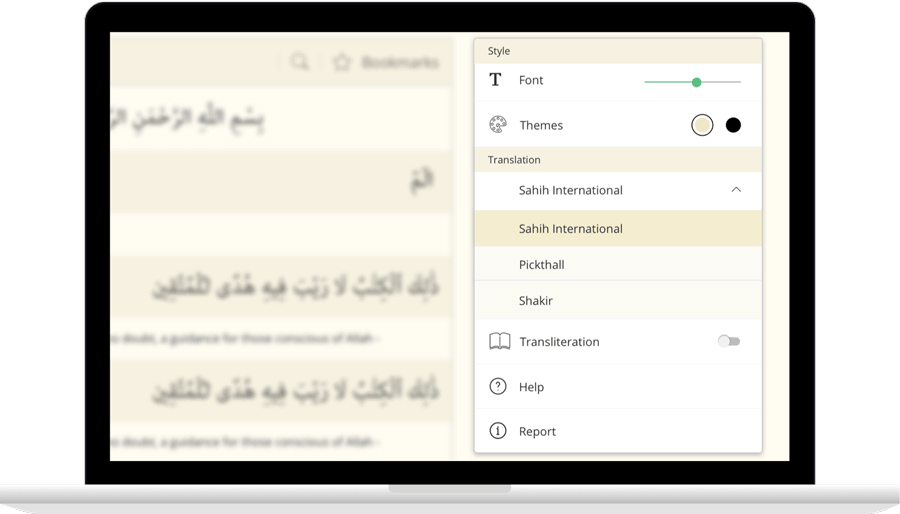
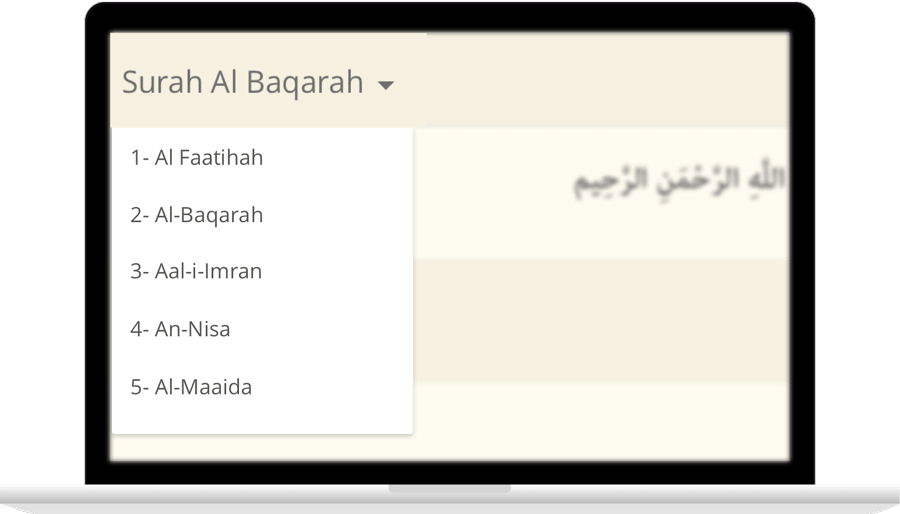
IslamicFinder brings Al Quran to you making the Holy Quran recitation a whole lot easier. With our Al Quran explorer feature, just with a tap, you can select the Surah you want to recite or listen to Quran mp3 audio! Offering your Holy Quran Translation and Quran Transliteration in English and several other languages, Quran recitation has never been easier. Happy reading!

Contact Us

Thanks for reaching out. We'll get back to you soon.

Our new privacy policy

We use cookies to enhance your browsing experience, serve personalized content and analyze our traffic. By clicking accept you consent to use our cookies

More Info

Improve your location’s accuracy

Sometimes we might have trouble finding where you are located. Having your current location will help us to get you more accurate prayer times and nearby Islamic places. Here are some things you can do to help fix the problem.

  1. In the top right, click More
  2. Click Settings and then Show advanced settings.
  3. In the "Privacy" section, click Content settings.
    1. In the dialog that appears, scroll down to the "Location" section. Select one of these permissions:
    2. Allow all sites to track your physical location: Select this option to let all sites automatically see your location.
    3. Ask when a site tries to track your physical location: Select this option if you want Google Chrome to alert you whenever a site wants to see your location.
    4. Do not allow any site to track your physical location: Select this option if don't want any sites to see your location.
  4. Click Done.
  1. Open System Preferences and then Security & Privacy Preferences and then Privacy and then Location Services.
  2. To allow for changes, click the lock in the bottom left.
  3. Check "Enable Location Services."
  1. Turn on location
    1. On your phone or tablet, open the Settings app.
    2. Tap Location.
    3. At the top, switch location on.
    4. Tap Mode and then High accuracy.
    If you still get an error when you open IslamicFinder, follow the step 2.
  2. Open Chrome
    1. In the top right, tap More
    2. Tap Settings.
    3. Under "Advanced", tap Site Settings
    4. Tap Location. If you see a toggle, make sure it turned on and blue.
      1. If you see "Location access is turned off for this device," tap the blue words > on the next Settings screen, tap the toggle to turn on location access.
      2. If you see "blocked" under "Location," tap Blocked > tap IslamicFinder > Clear & reset.
    5. Open IslamicFinder in your mobile browser and refresh the web page
    If you're using a browser other than Chrome, visit your browser's help center by visiting their website.
  1. Turn on location
    1. Open Settings app.
    2. Tap Privacy > Location Services > Safari Websites.
    3. Under "Allow Location Access," tap While Using the app.
  2. Give current location access on your browser
      Safari
    1. Open settings app.
    2. Tap General > Reset.
    3. Tap Reset Location & Privacy.
    4. If prompted, enter your passcode.
    5. You will see a message that says "This will reset your location and privacy settings to factory defaults." Tap Reset Settings.
    6. Open Safari
    7. Go to IslamicFinder
    8. To give Safari access to your location, tap Allow or OK
    9. To give IslamicFinder access to your location, tap OK
  3. If you are using a browser other than Safari, visit your browser's help center by visiting their website.