
Disclaimer

All information on IslamicFinder.org is verified by professionals beforehand. If you find any inappropriate material (or links leading to inappropriate materials), kindly  contact us.

LOCATION

Please enter current location name
Please enter correct latitude longitude values
Please select time zone
Please select daylight savings start date
Please select daylight savings end date
PRAYER CALCULATION

Wolcott Well|AU|40405718

Abra Huallapachata|PE|45775837

for faster experience and daily updates.

×

for faster experience and daily updates.

×
LIVE EVENT

Make sure you are reciting correctly!

Learn the basics of correct recitation and Tajweed rules to recite correctly and fluently in this free class.

Nov 28 · 11 AM EST

Reserve your seat

Read Surah Yaseenwith translation

Sorry, couldn't find any ayaat matching your search query/word.

وَإِن كُلّٞ لَّمَّا جَمِيعٞ لَّدَيۡنَا مُحۡضَرُونَ

Wain kullun lamma jameeAAun ladayna muhdaroona

Men alla skall de [en Dag] föras fram inför Oss.

وَءَايَةٞ لَّهُمُ ٱلۡأَرۡضُ ٱلۡمَيۡتَةُ أَحۡيَيۡنَٰهَا وَأَخۡرَجۡنَا مِنۡهَا حَبّٗا فَمِنۡهُ يَأۡكُلُونَ

Waayatun lahumu alardu almaytatu ahyaynaha waakhrajna minha habban faminhu yakuloona

Ett tecken [på Guds allmakt] har de fått i den döda jorden, som Vi skänker nytt liv och där Vi låter brödsäd växa, som tjänar dem till föda;

وَجَعَلۡنَا فِيهَا جَنَّٰتٖ مِّن نَّخِيلٖ وَأَعۡنَٰبٖ وَفَجَّرۡنَا فِيهَا مِنَ ٱلۡعُيُونِ

WajaAAalna feeha jannatin min nakheelin waaAAnabin wafajjarna feeha mina alAAuyooni

och där Vi låter palmlundar och vingårdar uppstå, vattnade av källor,

لِيَأۡكُلُواْ مِن ثَمَرِهِۦ وَمَا عَمِلَتۡهُ أَيۡدِيهِمۡۚ أَفَلَا يَشۡكُرُونَ

Liyakuloo min thamarihi wama AAamilathu aydeehim afala yashkuroona

av vars frukt de äter efter att bidragit med [sina] händers arbete. Skall de då inte tacka [Honom]

سُبۡحَٰنَ ٱلَّذِي خَلَقَ ٱلۡأَزۡوَٰجَ كُلَّهَا مِمَّا تُنۢبِتُ ٱلۡأَرۡضُ وَمِنۡ أَنفُسِهِمۡ وَمِمَّا لَا يَعۡلَمُونَ

Subhana allathee khalaqa alazwaja kullaha mimma tunbitu alardu wamin anfusihim wamimma la yaAAlamoona

Stor i Sin härlighet är Han, som har skapat allt vad jorden alstrar, människorna själva och det som de saknar kunskap om, i motsatspar.

وَءَايَةٞ لَّهُمُ ٱلَّيۡلُ نَسۡلَخُ مِنۡهُ ٱلنَّهَارَ فَإِذَا هُم مُّظۡلِمُونَ

Waayatun lahumu allaylu naslakhu minhu alnnahara faitha hum muthlimoona

Också i natten har de ett tecken; Vi klär av den dagen - och de sveps i mörker.

وَٱلشَّمۡسُ تَجۡرِي لِمُسۡتَقَرّٖ لَّهَاۚ ذَٰلِكَ تَقۡدِيرُ ٱلۡعَزِيزِ ٱلۡعَلِيمِ

Waalshshamsu tajree limustaqarrin laha thalika taqdeeru alAAazeezi alAAaleemi

Och solen som löper mot sin viloplats, anvisad henne av Den som äger all makt, all kunskap.

وَٱلۡقَمَرَ قَدَّرۡنَٰهُ مَنَازِلَ حَتَّىٰ عَادَ كَٱلۡعُرۡجُونِ ٱلۡقَدِيمِ

Waalqamara qaddarnahu manazila hatta AAada kaalAAurjooni alqadeemi

Och månen, för vilken Vi har föreskrivit faser [som den måste passera] tills den blir lik den vissna, krökta stjälken till en dadelklase.

لَا ٱلشَّمۡسُ يَنۢبَغِي لَهَآ أَن تُدۡرِكَ ٱلۡقَمَرَ وَلَا ٱلَّيۡلُ سَابِقُ ٱلنَّهَارِۚ وَكُلّٞ فِي فَلَكٖ يَسۡبَحُونَ

La alshshamsu yanbaghee laha an tudrika alqamara wala allaylu sabiqu alnnahari wakullun fee falakin yasbahoona

Solen skall inte skynda ifatt månen, och natten hinner inte upp dagen; var och en rör sig nämligen i sin [fastställda] bana.

وَءَايَةٞ لَّهُمۡ أَنَّا حَمَلۡنَا ذُرِّيَّتَهُمۡ فِي ٱلۡفُلۡكِ ٱلۡمَشۡحُونِ

Waayatun lahum anna hamalna thurriyyatahum fee alfulki almashhooni

Och ett tecken för dem är att Vi i den tungt lastade arken räddade deras [förfäder och dessas] efterkommande,
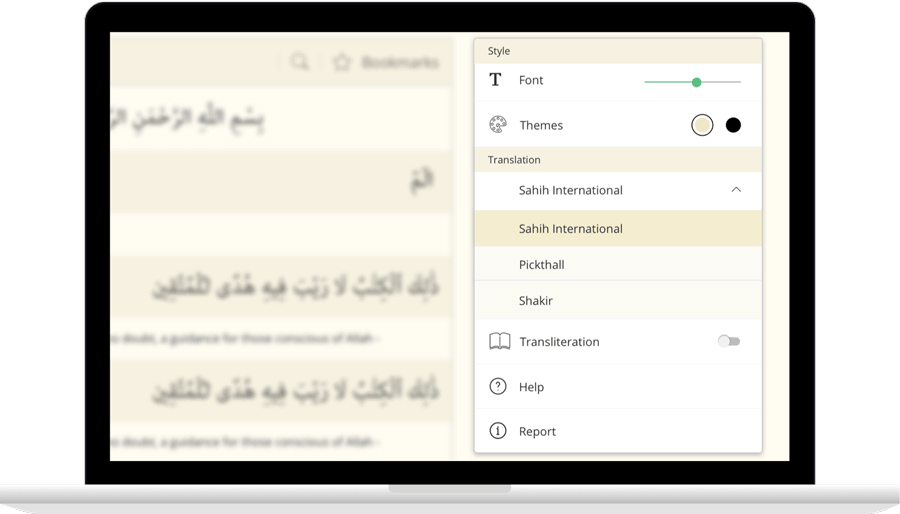
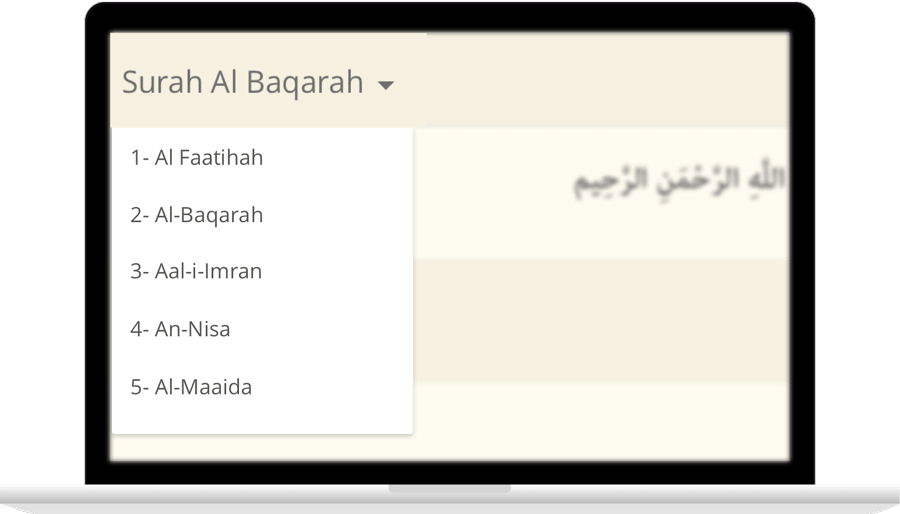
IslamicFinder brings Al Quran to you making the Holy Quran recitation a whole lot easier. With our Al Quran explorer feature, just with a tap, you can select the Surah you want to recite or listen to Quran mp3 audio! Offering your Holy Quran Translation and Quran Transliteration in English and several other languages, Quran recitation has never been easier. Happy reading!

Contact Us

Thanks for reaching out. We'll get back to you soon.

Our new privacy policy

We use cookies to enhance your browsing experience, serve personalized content and analyze our traffic. By clicking accept you consent to use our cookies

More Info

Improve your location’s accuracy

Sometimes we might have trouble finding where you are located. Having your current location will help us to get you more accurate prayer times and nearby Islamic places. Here are some things you can do to help fix the problem.

  1. In the top right, click More
  2. Click Settings and then Show advanced settings.
  3. In the "Privacy" section, click Content settings.
    1. In the dialog that appears, scroll down to the "Location" section. Select one of these permissions:
    2. Allow all sites to track your physical location: Select this option to let all sites automatically see your location.
    3. Ask when a site tries to track your physical location: Select this option if you want Google Chrome to alert you whenever a site wants to see your location.
    4. Do not allow any site to track your physical location: Select this option if don't want any sites to see your location.
  4. Click Done.
  1. Open System Preferences and then Security & Privacy Preferences and then Privacy and then Location Services.
  2. To allow for changes, click the lock in the bottom left.
  3. Check "Enable Location Services."
  1. Turn on location
    1. On your phone or tablet, open the Settings app.
    2. Tap Location.
    3. At the top, switch location on.
    4. Tap Mode and then High accuracy.
    If you still get an error when you open IslamicFinder, follow the step 2.
  2. Open Chrome
    1. In the top right, tap More
    2. Tap Settings.
    3. Under "Advanced", tap Site Settings
    4. Tap Location. If you see a toggle, make sure it turned on and blue.
      1. If you see "Location access is turned off for this device," tap the blue words > on the next Settings screen, tap the toggle to turn on location access.
      2. If you see "blocked" under "Location," tap Blocked > tap IslamicFinder > Clear & reset.
    5. Open IslamicFinder in your mobile browser and refresh the web page
    If you're using a browser other than Chrome, visit your browser's help center by visiting their website.
  1. Turn on location
    1. Open Settings app.
    2. Tap Privacy > Location Services > Safari Websites.
    3. Under "Allow Location Access," tap While Using the app.
  2. Give current location access on your browser
      Safari
    1. Open settings app.
    2. Tap General > Reset.
    3. Tap Reset Location & Privacy.
    4. If prompted, enter your passcode.
    5. You will see a message that says "This will reset your location and privacy settings to factory defaults." Tap Reset Settings.
    6. Open Safari
    7. Go to IslamicFinder
    8. To give Safari access to your location, tap Allow or OK
    9. To give IslamicFinder access to your location, tap OK
  3. If you are using a browser other than Safari, visit your browser's help center by visiting their website.